
Outage texting coming soon!

Text/SMS for outage reporting

The ability to text Lake Country Power when you have a power outage is almost here. When the program launches in August 2026, LCP will send an “introduction text message" to all members that have a mobile phone number in our system. 

The welcome text message will say something like this, “Welcome to Lake Country Power’s text service for outage reporting. Reply OUT to report an outage. Reply STOP to opt-out or HELP for more info. Message frequency may vary; MSG & Data rates may apply.”

Four Words to Text

There are only four words the texting system recognizes when members text (number coming soon)

  1. Out 
  2. Status 
  3. Help 
  4. Stop 

If you initiate a text using any other words than out, status, help or stop, please know the system will not deliver it to Lake Country Power. That’s because this service is exclusively designated for outage reporting. However, there is one exception to the rule. If you text the word “out” and are requested directly by the outage texting service for a reply to verify which of your addresses are out of power, the system will recognize the letters “a” or “b,” etc.

Notice to Members

As with any new service involving technology, there can sometimes be glitches that need to be worked through. We are hopeful this new outage reporting tool will be a value-added service that is intuitive and easy to use for years to come.   

When we launch the program in August, we will send an introduction text to all members that have a mobile phone number in our system. Make sure the number is current on your file.

Image
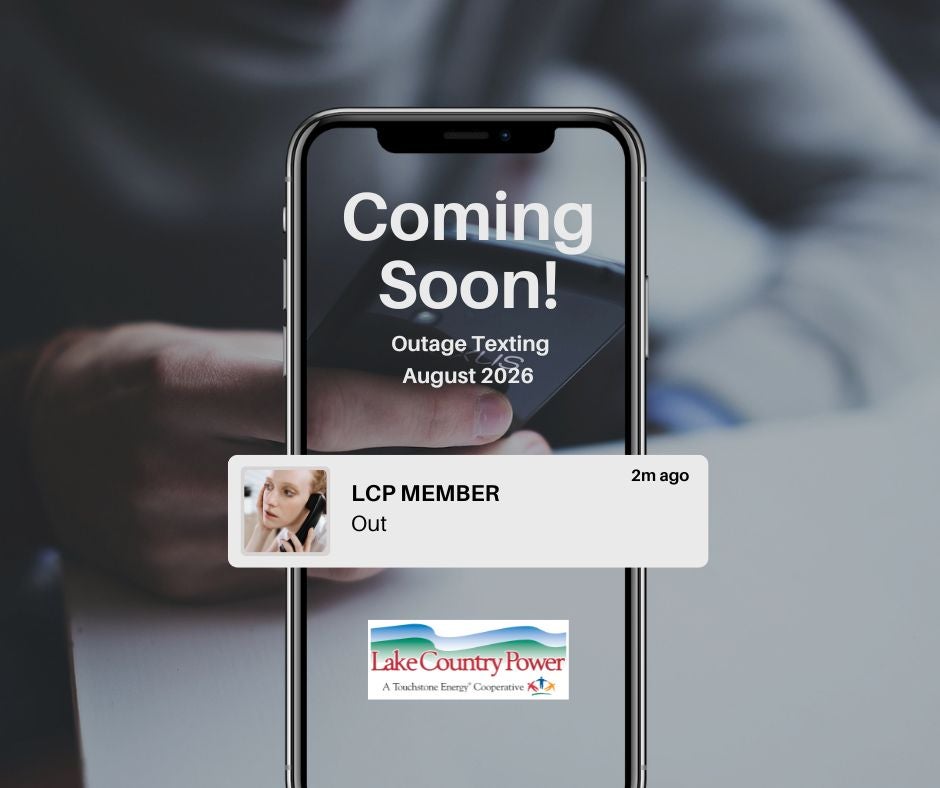
Promotional graphic showing a smartphone with the message "Coming Soon! Outage Texting – August 2026." A text notification from "LCP MEMBER" says "Out." The Lake Country Power logo appears at the bottom.

Power out? Text (number coming soon)

When your power goes out, text the word OUT to (number coming soon), and your outage will get logged directly into our outage management system. It’s just like calling in your outage, only it’s faster. Our dispatchers will receive an alert so they can verify your outage before assigning a crew. 


How to prepare for outage texting

In order to take advantage of outage texting, be sure your current mobile phone number is in Lake Country Power’s system. The easiest way to do this is to log into your SmartHub account. Once logged in: 

  1. Click “Settings” 

  2. Click “Contact Information”

If you are not registered in SmartHub, visit www.lakecountrypower.coop and register. Otherwise you can dial 800-421-9959 and our call center will be happy to help. 

If your current mobile phone number is not in our system, you won’t be able to use this convenient service until your cell is updated in our system.